

The best smart home devices for elderly parents are not the flashiest ones. They are the devices that quietly solve real problems: getting up safely at night, answering the door without rushing, calling for help after a fall, and staying comfortable without wrestling with a dozen switches. Chosen well, smart technology gives older adults more independence, and gives their children something priceless, the ability to check in without hovering.
Start With Voice Control, the Great Equaliser
A voice assistant speaker is the single most useful first purchase. Saying “turn on the hallway light” or “call my daughter” requires no tiny buttons, no passwords, and no squinting at a phone screen. Set up voice routines for the morning (lights, news, weather) and the evening (lights dimmed, doors checked, reminders for medication). If your parents are new to all of this, our guide to smart home devices for beginners walks through the first setup step by step.
Place speakers where time is actually spent: the bedroom and the living room cover most of the day. Keep the wake word simple and write the three or four most useful commands on a card near the speaker. Confidence grows quickly when the first week is full of small wins.
Lighting That Prevents Falls
Most falls at home happen at night, on the way to the bathroom. Motion-activated smart lights along that route, hallway, landing, bathroom, remove the need to fumble for switches in the dark. Smart bulbs can also follow a gentle schedule, brightening in the morning to support healthy sleep rhythms and warming in the evening. For room-by-room inspiration, see these smart home lighting ideas for every room, and simply favour the simplest, most automatic options for an elderly household.
Choose bulbs and switches that still work manually. If the internet goes down or a visitor is confused, the light switch on the wall must behave like a light switch. Technology that punishes normal behaviour will be switched off within a month.
Doorbells, Locks, and Peace of Mind
A video doorbell changes daily life for someone with limited mobility. Your parent can see and speak to a visitor from their chair, let the delivery person leave a parcel, and never rush to the door again, rushing being exactly how falls happen. Family members with app access can also see if something looks wrong, like parcels piling up uncollected.
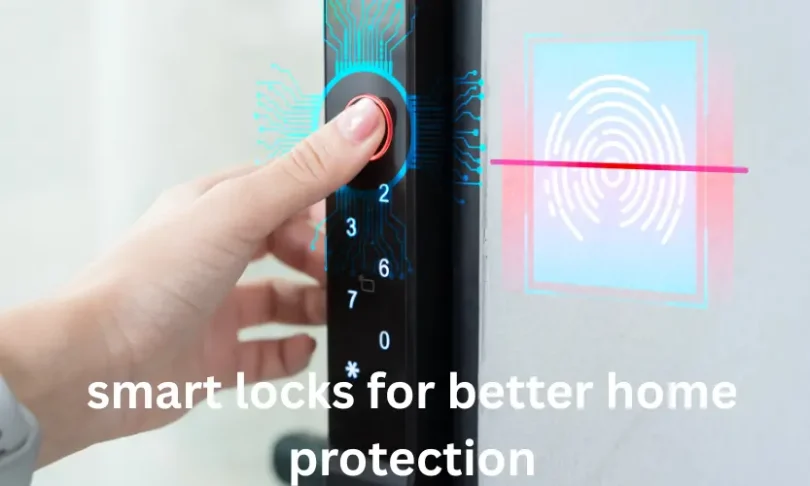
Smart locks remove the lost-key problem and let carers, cleaners, or family enter with their own codes instead of spare keys floating around the neighbourhood. You can see when the door was opened and by whom, and you can lock it remotely when your parent says, “I think I forgot.” Among smart home devices for elderly relatives, these two quietly deliver the most day-to-day reassurance.
Health and Emergency Features
Wearable fall-detection devices and smart watches can call emergency contacts automatically when a hard fall is detected and the wearer does not respond. Medication reminder systems, from simple phone alarms to dispensing pill boxes that beep until opened, reduce the most common health mistake at home: the missed or doubled dose. Smart plugs can also protect against the classic worry of the stove or iron left on, switching them off remotely or on a schedule.
Set these systems up together with your parents, not for them. Show them what each alert does, who receives it, and how to cancel a false alarm. A device that frightens its user gets unplugged, and an unplugged safety device helps nobody.
Keep It Simple, Supported, and Respectful
Every device you add is a device someone must maintain. Prefer one ecosystem over five brands, label plugs and remotes in large print, and keep a simple notebook near the phone: what each device does, what to say to it, and who to call when it misbehaves. Visit after two weeks and remove anything that has caused more stress than help.
Finally, remember the goal. These tools exist to support your parents’ independence and dignity in their own home, not to monitor them like children. Agree together what sharing is comfortable, location, door history, camera access, and revisit the agreement as needs change.
Comfort Controls That Quietly Help
Safety gets the attention, but comfort devices often get the most daily use. A smart thermostat or smart plug on a heater or fan lets your parents adjust the room without getting up repeatedly, and lets heating follow a predictable schedule instead of memory. Voice-controlled blinds help anyone with arthritis or shoulder problems manage glare and privacy. Even a simple smart plug on a kettle or lamp, set to a morning routine, can anchor the day.
Temperature matters medically as well as emotionally: older adults regulate body heat less efficiently, so a room sensor that alerts family if the house becomes unusually hot or cold in extreme weather is a small device with a serious job. Like all smart home devices for elderly households, choose the version that keeps working with a plain switch or remote when the smart layer is not wanted.
Budget wisely by prioritising in order: voice control and lighting first, doorbell and lock second, health wearables third. You do not need to buy everything in one month, and spreading purchases out lets your parents absorb one new habit at a time instead of facing a house that changed overnight. Watch for sales on reputable brands rather than gambling on unknown devices with abandoned apps, because a smart device whose company disappears becomes a paperweight with a camera in it.
Conclusion
The right smart home devices for elderly parents share three traits: they work by voice or automatically, they still behave normally when touched, and they solve a problem your parents actually have. Start with voice control and hallway lighting, add a video doorbell and smart lock, then layer health features only where they are wanted. Set up slowly, together, revisit the setup every few months as needs change, and the technology fades into the background, which is exactly where good technology belongs.