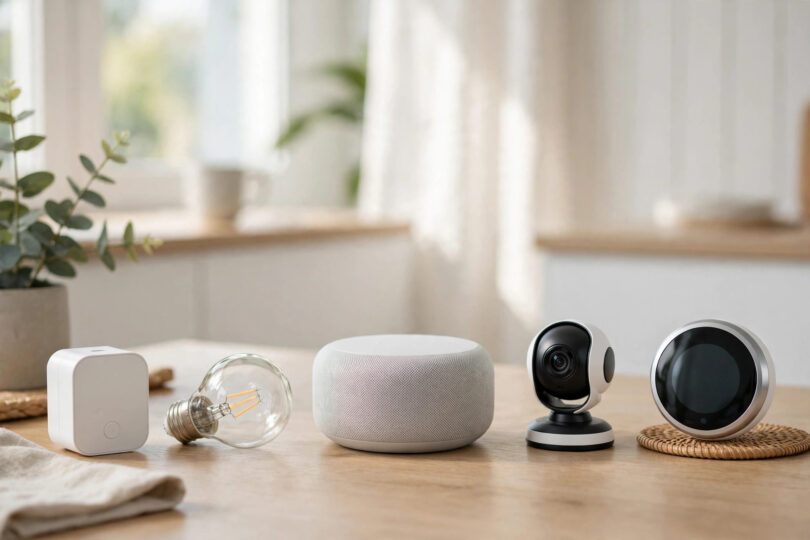

Starting a smart home can feel overwhelming. There are hundreds of gadgets, competing apps and confusing technical terms, and it is hard to know what you actually need. The truth is that the best smart home devices for beginners are a small, sensible core: a way to control things, a few lights, a smart plug or two, and one or two devices that solve a real problem in your daily life. This guide explains smart home devices for beginners in plain language, in the order you should buy them, so you can build a setup that works reliably and grows with you instead of ending up as a drawer full of abandoned gadgets.
Step One: Choose Your Control Centre
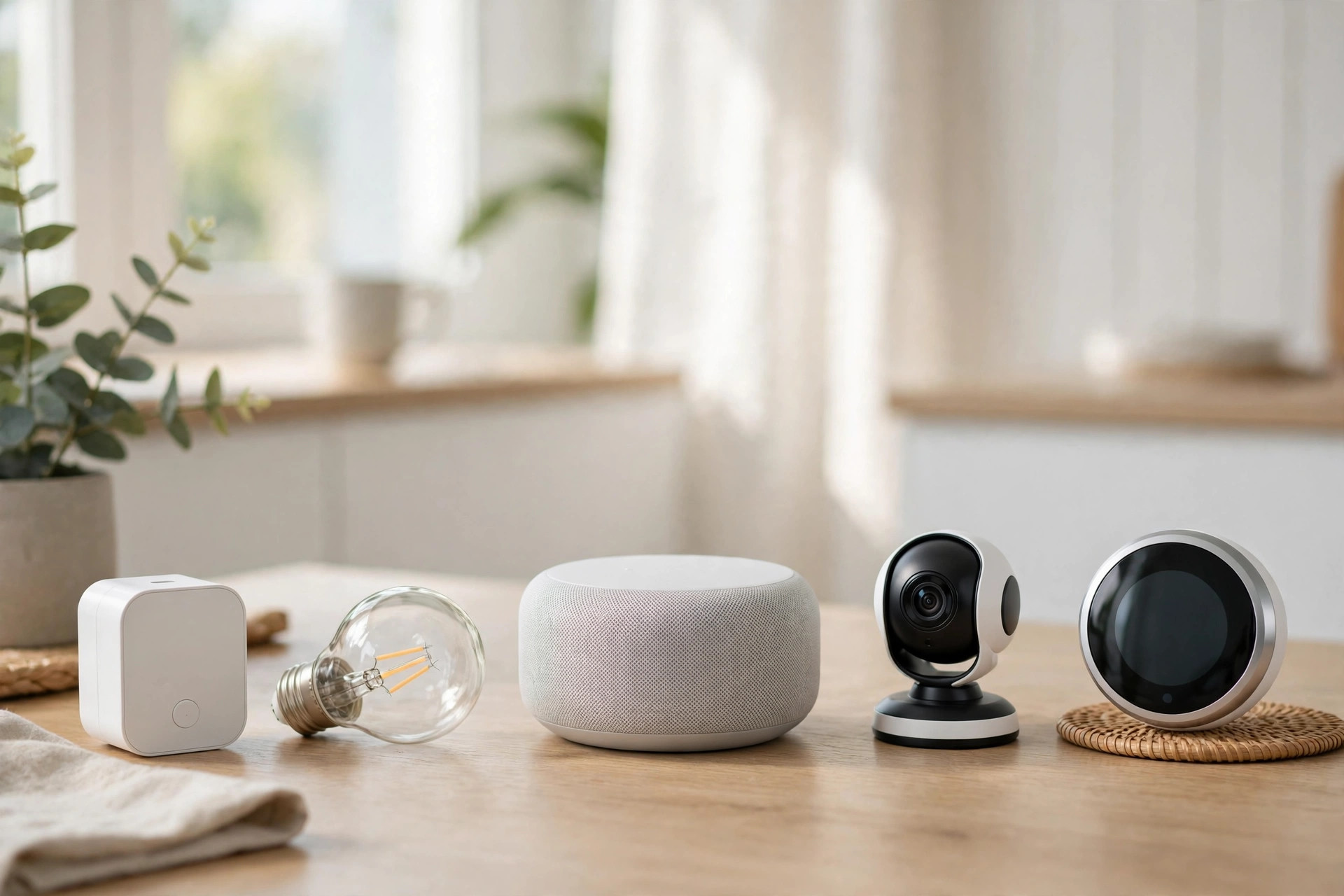
Every smart home needs a way to tie devices together. For most beginners that means a smart speaker or smart display from one of the major platforms, which acts as a voice assistant and a simple hub, or a dedicated hub if you plan a larger system later. The most important decision is picking one main platform and buying devices that work with it, so everything lives in one app and responds to one voice assistant.
What to Check Before You Buy Any Device
- Compatibility: the box or listing should clearly name your platform; “works with” logos save a lot of frustration.
- Connection type: most beginner devices use Wi-Fi, which is simple but needs a decent router signal in that room.
- App quality: read recent reviews, because you will live in the app every day.
- No subscription traps: some devices, especially cameras, need a paid plan for full features, so check before buying.
Step Two: Smart Lighting, the Perfect Starting Point
Almost every beginner should start with lighting. Smart bulbs and smart plugs for lamps install in minutes, need no wiring and deliver instant results: voice control, dimming, schedules and scenes. Begin with the living room and your bedroom, the two rooms where better lighting changes daily life the most. If your ceiling lights matter more than lamps, a smart switch installed by an electrician is the better investment, because the lights then behave normally for everyone while still being app-controlled.
Once a few lights are connected, simple automations appear naturally: lights that welcome you home at sunset, a hallway light that responds to movement, a lamp that turns off automatically when you leave. The collection of smart home automation ideas on this site is full of these small routines that make a house feel genuinely clever.
Step Three: Smart Plugs for Everyday Wins
A smart plug turns almost any ordinary appliance into a smart one. The coffee machine that is ready when you wake up, the fan that runs only while the room is occupied, the iron or hair straighteners you can check and switch off from your phone after leaving the house: these are the unglamorous wins that make people love their smart homes. Plugs that monitor energy use are especially useful for smart home devices for beginners, because they show exactly what older appliances cost to run and help you spot anything left on standby all day.
Step Four: Comfort With a Smart Thermostat
Heating and cooling are usually the biggest energy costs in a home, so a smart thermostat earns its place quickly. It learns your routine or follows schedules you set, warms the house before you get home and turns the heating down when everyone leaves. Many models produce simple energy reports that make it easy to see the savings. Installation is straightforward in many homes, but if your wiring is old or unclear, paying an installer is money well spent.
Step Five: Security That Brings Peace of Mind
Security devices are often what beginners want most, and a video doorbell is the natural first step. You can see and speak to visitors from anywhere, receive alerts when a parcel arrives, and keep an eye on the front of your home. Indoor or outdoor cameras and simple contact sensors for doors extend the system when you are ready. The detailed advice in this guide to smart home security ideas explains placement, privacy settings and how to avoid the alert fatigue that makes people ignore their systems.
Whatever you choose, set strong passwords and two-factor authentication on your accounts. A smart home is only as secure as the account that controls it, and these basics matter far more than buying extra cameras.
Growing Your System Without the Chaos
Once your core devices work well together, grow slowly and deliberately. Add one device at a time, set it up fully, and live with it for a week before buying the next. This pace reveals what your household genuinely uses, and the wider market of best smart home devices becomes much easier to navigate when you know your own habits. Voice-controlled blinds, robot vacuums, leak sensors and smart locks are all wonderful, but only when they are built on a stable foundation.
Habits That Keep a Smart Home Reliable
- Name devices clearly: “Kitchen ceiling” and “Sofa lamp” beat clever names when you are using voice control.
- Keep the Wi-Fi strong: most smart home problems are really weak-signal problems; a mesh Wi-Fi system fixes more issues than any gadget.
- Update firmware: updates fix bugs and security issues, so let devices install them.
- Keep manual fallbacks: lights and heating should still work from ordinary switches if the internet goes down.
The Beginner Setup That Covers Almost Everything
If you want a simple shopping order for smart home devices for beginners, it is this: one smart speaker for the main living space, smart lighting for the living room and bedroom, two smart plugs for the appliances you use daily, a video doorbell, and then a smart thermostat when the budget allows. That modest kit delivers voice control, better light, lower bills, a safer feeling at the door and a platform you can expand for years. The best smart home is not the one with the most devices; it is the one your whole household uses without thinking, every single day.